
Modernize your Working Hours Analysis with Task Tracker
Detailed analysis of time spent on tasks and projects.
Visual Experience
Interface designed for efficiency
Desktop agent for Screenshots
Precise tracking of working hours with start/stop and resume/Pause functionality per task and also takes screenshots.
Activity Tracking
“Monitor application usage and desktop activity to analyze productivity and ensure accurate working hours tracking.”
Screenshots Preview
Review captured screenshots linked to specific time entries for enhanced accountability and transparency.
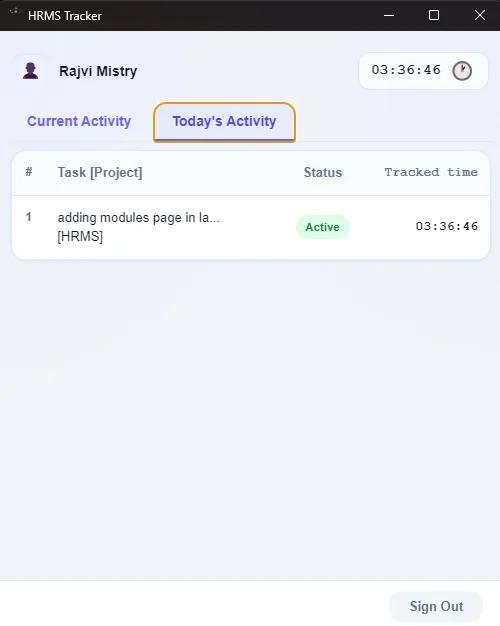
"Precise tracking of working hours with start/stop and resume/Pause functionality per task and also takes screenshots."
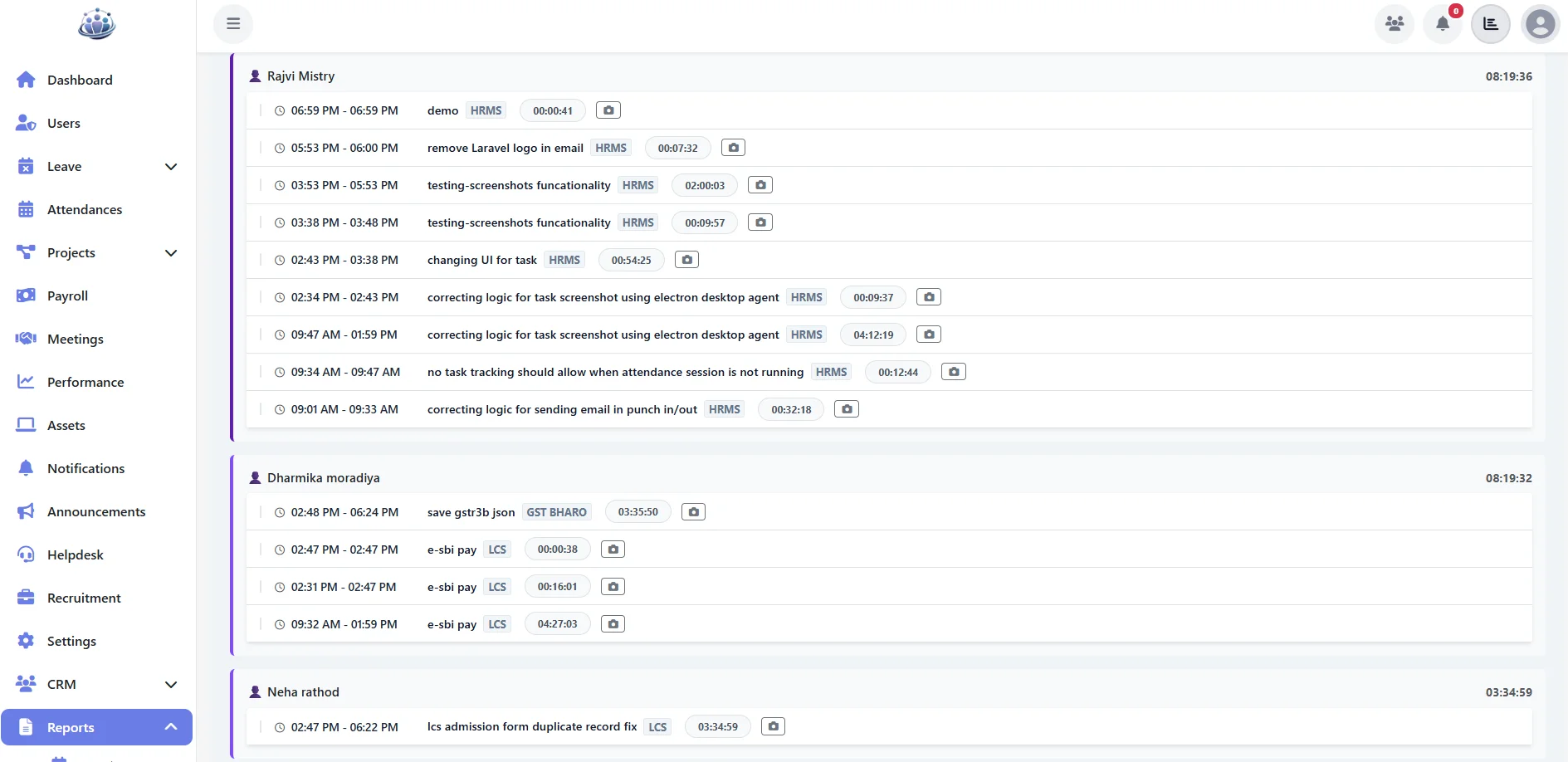
"“Monitor application usage and desktop activity to analyze productivity and ensure accurate working hours tracking.”"
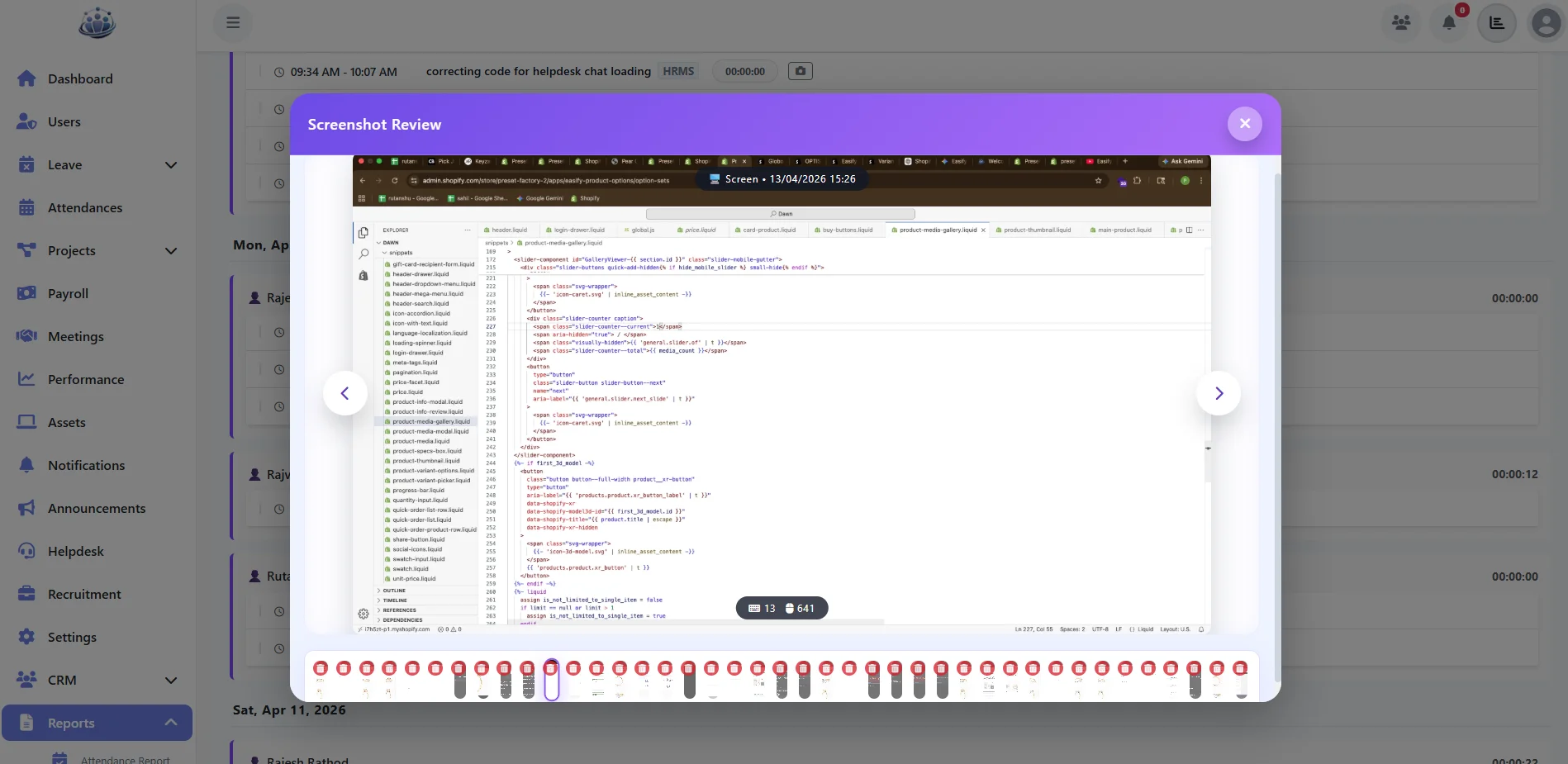
"Review captured screenshots linked to specific time entries for enhanced accountability and transparency."
Unleash Full Potential
Live Timers
One-click start/stop for any task or project.
Desktop Tracking
Screen activity & app usage monitoring.
Client Billing
Generate invoices from billable hours.
Time Allocation
Pie charts showing time per project/client.
Timesheets
Idle Time Detection
Billable vs Non-billable
Project Costing
Project Manager
Track team time per project, measure utilization, and control budget.
Finance Team
Convert approved timesheets into client invoices instantly.
Employee
Log daily hours, tag tasks, and view personal productivity scores.
Ready to transform your HR?
Experience the full power of Working Hours Analysis with Task Tracker with a risk-free 30-days trial. Setup takes minutes.